
Step 1: Invade Your Email
Whenever you log in to QQ from an internet café or use a VPN provider of unknown reputation, your account credentials face an extremely high risk of leakage.
They may log in to your email account and add Steam to your email blocklist, preventing you from receiving legitimate Steam emails.
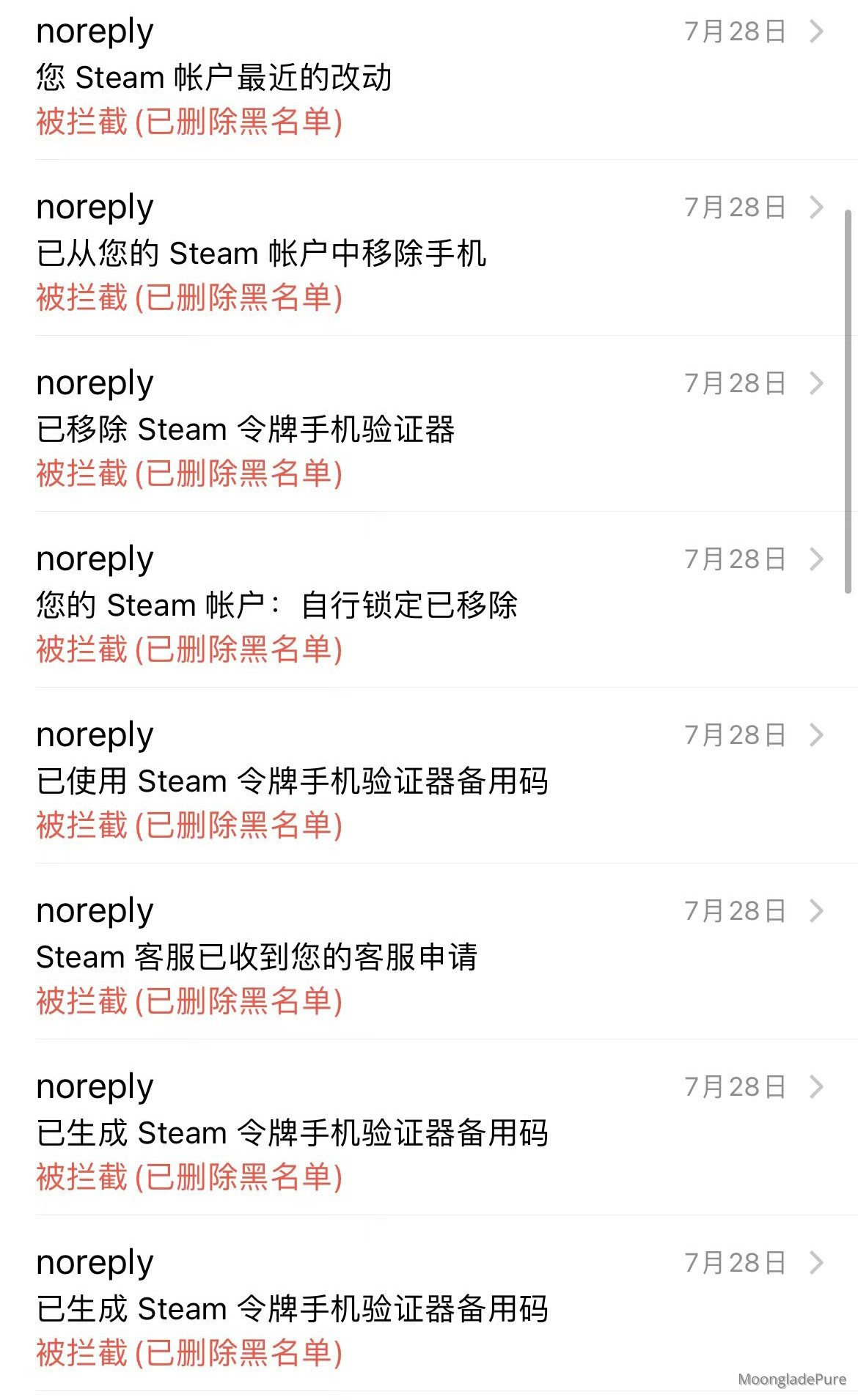
Step 2: Lock in Your Steam
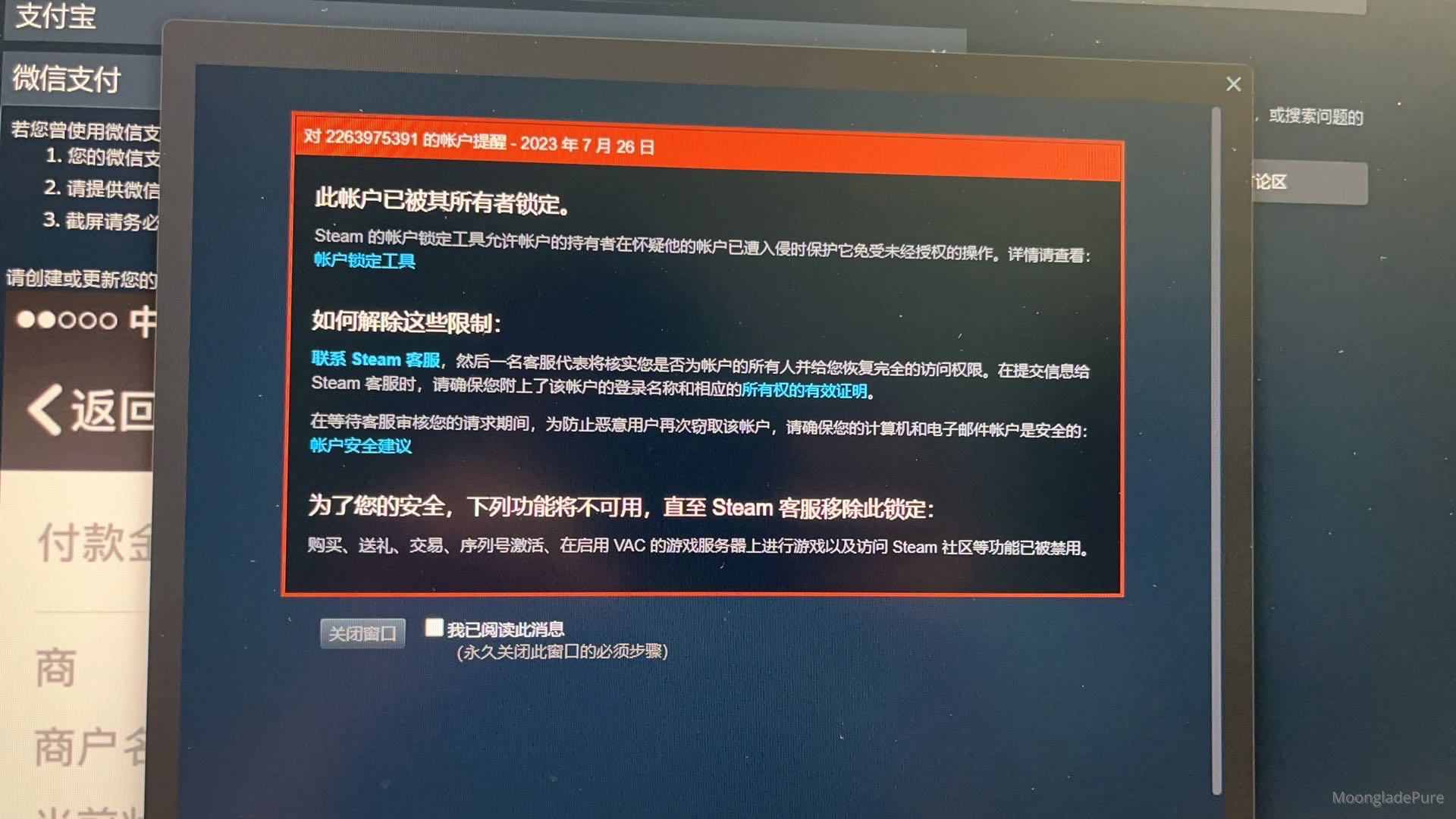
They will lock your Steam account through some kind of application on Steam.
When you log in to Steam, you will receive a red notification message stating: "This account has been locked by its owner."
Your Steam account will have many features disabled, which will cause you to panic, and you will start trying to recover it according to Steam's instructions.
Step 3: A Phishing Email
Steam will notify you that an unlock code has been sent to your email. You only need to enter this unlock code, and your Steam account will be fully restored.
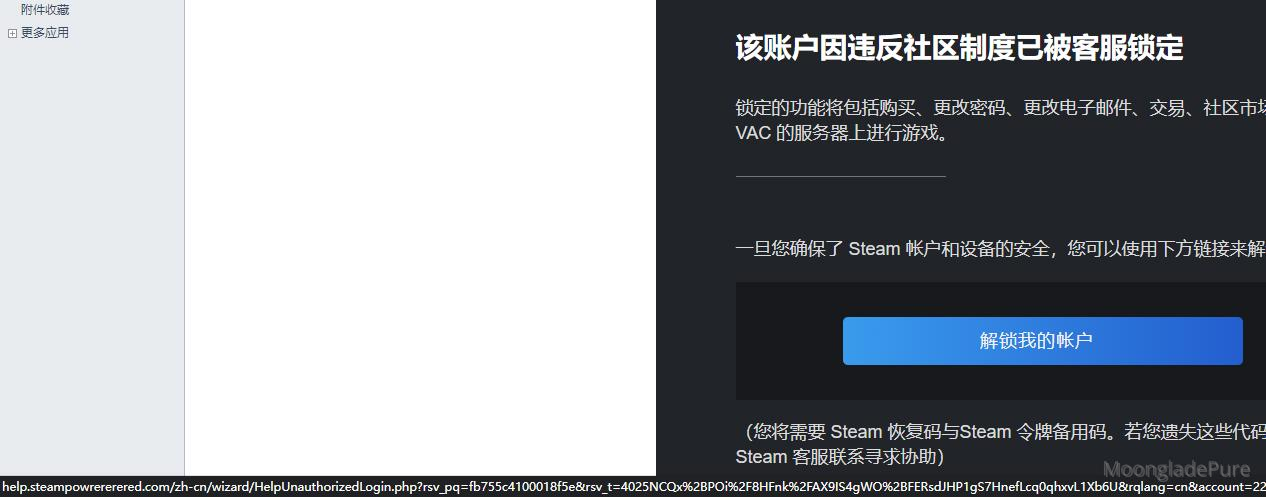
At this point, a dramatic twist occurs: you check your email and find that instead of a Steam unlock code, you received an unlock link.
The sender of this link, the domain name in the link address, and even the website content are all high-quality imitations of Steam.
On this fake Steam website, you enter your account, password, Steam Guard recovery code, and backup code, then click Submit. It will then display the message: "Your account recovery attempts have reached the limit. Please try again later."
Meanwhile, in the background, the hacker quietly changes your linked email address and phone number, and removes your Steam Guard device.
Prevention: How to Avoid Being Stolen From
- Avoid using QQ Mail, as its security is tied to the security of QQ, which has been declining. If you find that accessing Outlook is slow in China, you can switch to other domestic email service providers.
- Avoid logging into QQ or Steam using your account credentials on computers in public places, such as internet cafes or libraries.
- Avoid using your account credentials to log into QQ or Steam over WiFi provided in public places, such as restaurants or libraries.
- Whenever possible, use QR code scanning to log into Steam.
- Experiencing slow access to Steam on your phone? You can use the mobile version of UU Accelerator to speed up Steam; it is free.
Others: Some Information
| Type | Content |
|---|---|
| Hacker's sender email | [email protected] |
| Fake Steam phishing URL | help.steampowrererered.com |
With this in mind, we encourage everyone to enhance their cybersecurity awareness;
Comments (0)
No comments yet. Be the first to leave one!