
I previously used StackExchange.Redis, but after running for a while, the connection would drop and never recover, forcing me to restart the application. I checked the GitHub Issues and found that many others have run into the same problem.
abortConnect is true by default
This is the biggest gotcha. Once the connection drops, it does not automatically reconnect, and all requests will directly throw the error No connection is available to service this operation, continuing until you restart.
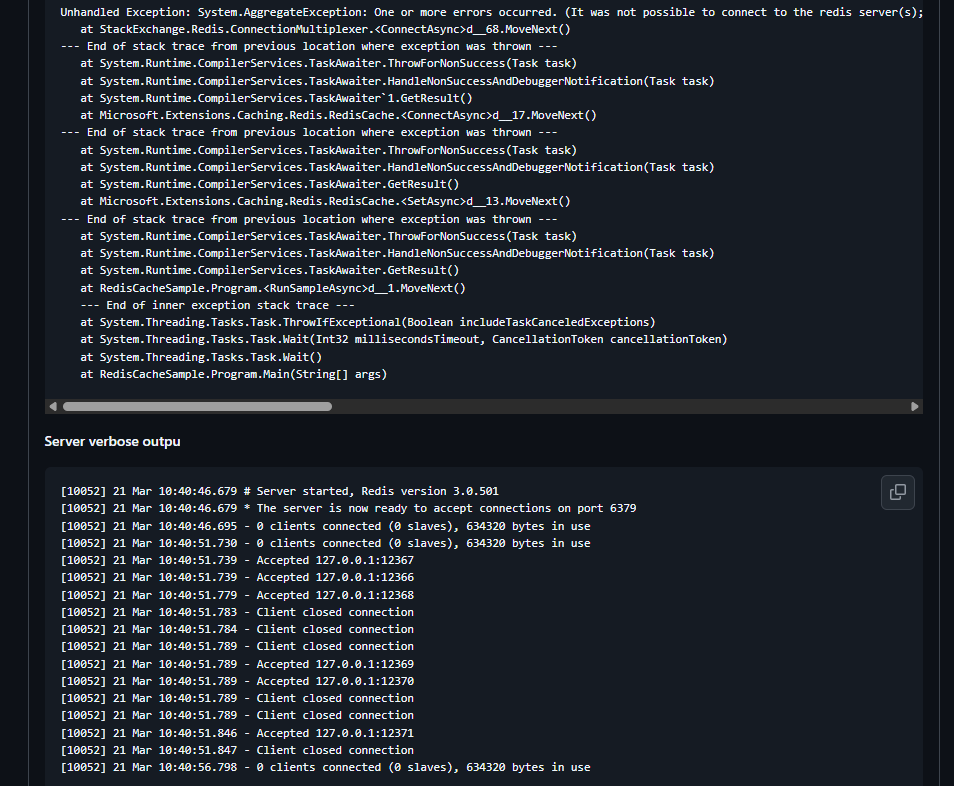
Just add abortConnect=false to the connection string:
localhost:6379,abortConnect=false
Lost Connection Cannot Be Restored
Even with abortConnect=false, connections can still drop under high load and fail to reconnect. In Issue #168, someone mentioned they had to write a custom wrapper to resolve the issue.
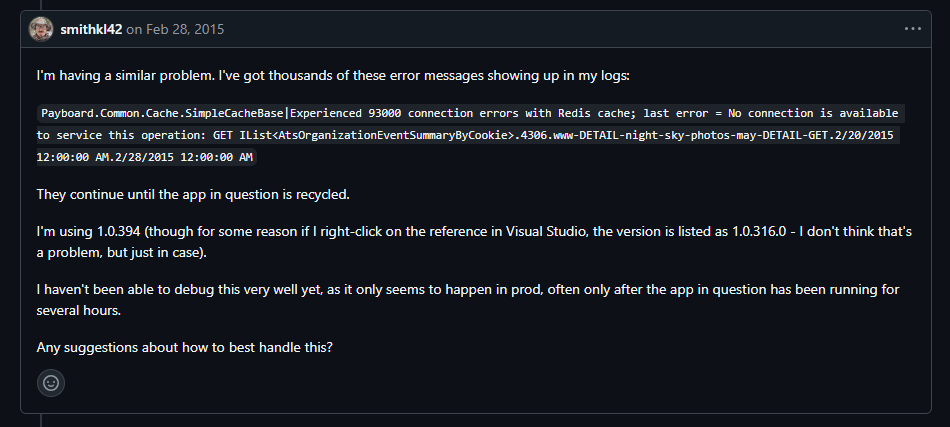
Microsoft officially recommends writing your own ForceReconnect method that manually rebuilds the ConnectionMultiplexer when a RedisConnectionException is detected.
Disconnections on Linux Require a 15-Minute Wait
Issue #1848: After a Redis node restarts on Linux, clients have to wait 15 minutes before reconnecting. This is because the kernel parameter tcp_retries2 has a default value that is too large, causing the TCP layer to keep retrying and refusing to give up.
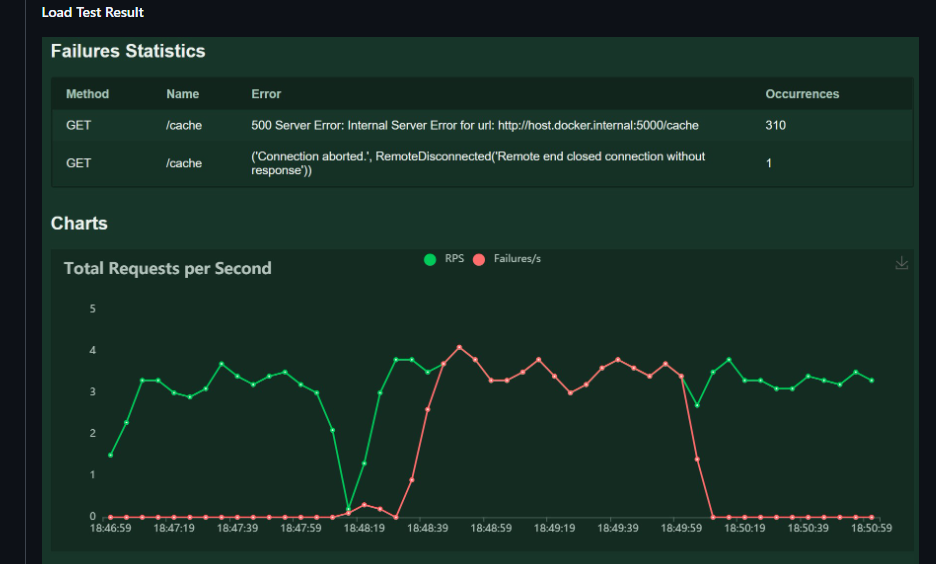
Simply reduce the value:
sysctl -w net.ipv4.tcp_retries2=5
You can't change it in Docker; you need to change it on the host machine.
ConnectionMultiplexer Reuse
ConnectionMultiplexer is designed as a singleton and should not call Connect() on every request, as this would cause the connection count to explode. Register it as a singleton:
services.AddSingleton<IConnectionMultiplexer>(
    ConnectionMultiplexer.Connect("localhost:6379,abortConnect=false"));
Comments (0)
No comments yet. Be the first to leave one!